

e-EPIC: how to download your digital voter ID card
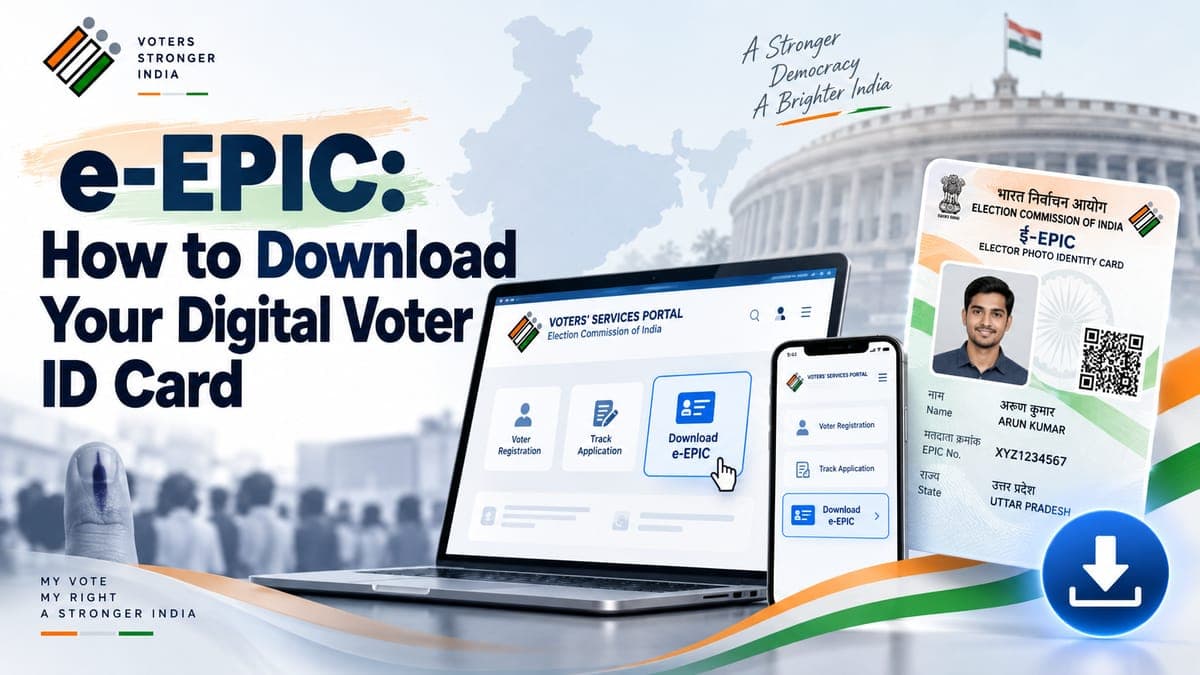
The e-EPIC is a digital version of your voter ID card. You can download it on your phone or computer.
By the Janadesh Online editorial team. Facts last checked against the sources below on 25 September 2026.
What it is
The Election Commission launched the e-EPIC on 25 January 2021, National Voters' Day. It is a secure, non-editable PDF version of the Elector Photo Identity Card (EPIC) that can be downloaded on a mobile or as a self-printable file on a computer.
All general voters who have a valid EPIC number are eligible.
How to download it
- Open the portal or app
Use the Voter Portal, the NVSP site or the Voter Helpline App, and register or log in.
- Choose Download e-EPIC
Enter your EPIC number or your Form Reference Number.
- Verify with OTP
An OTP is sent to the mobile number registered against your entry in the electoral roll.
- Download the PDF
Save it on your device.
If your mobile number is not registered
If no mobile number is registered against your entry, use the e-KYC option instead. It is a liveness check: you move as prompted while the app captures a live photo, which is compared with the photo used in your EPIC record. After completing it and updating your mobile number, you can download the e-EPIC.
Using it on polling day, and replacing a physical card
The Commission's accepted-ID list names the EPIC among the 12 documents (see how to vote). The polling-day page we reviewed does not discuss the e-EPIC separately, so if in doubt carry a printout, or another listed ID.
A replacement physical card, or a change to details on it, goes through Form 8; see how to register and correct your entry. If you are not on the roll yet, you need an EPIC number first.
Frequently asked questions
What is an e-EPIC?
A secure, non-editable PDF version of the Elector Photo Identity Card, launched by the Election Commission on 25 January 2021. It can be downloaded on a mobile or as a self-printable file on a computer.
Who can download it?
All general voters who have a valid EPIC number.
Where do I download it?
From the Voter Portal, the NVSP site or the Voter Helpline App.
What do I need?
Your EPIC number or Form Reference Number, and access to the mobile number registered against your entry for the OTP.
My mobile number is not registered. What now?
Use the e-KYC option: a live-photo liveness check compared against the photo in your EPIC record. After you update your mobile number you can download the e-EPIC.
Sources
- ECI: Download e-EPIC
- ECI: e-EPIC frequently asked questions (PDF)
- ECI: Voter Helpline App
- The Tribune: Downloadable e-version of voter card to be launched (January 2021)
- ECI SVEEP: How to vote
Janadesh Online is independent and not affiliated with the Election Commission of India. Rules and procedures can change between elections; the Commission’s own notices are the authority. Spotted an error? Tell us on the contact page.